e& (Etisalat) Balance Check in the UAE: All Methods (2026)
Etisalat rebranded to e& several years ago, and while most residents still say “Etisalat balance” out of habit, the app, the USSD codes, and the customer service line you’ll actually use all sit under the e& UAE name now. The good news is the balance-check methods themselves haven’t gotten more complicated, if anything there are now more ways to do it than there used to be.
This guide covers every working method for checking a prepaid or postpaid e& (Etisalat) balance in the UAE, the difference between the codes for airtime, data, and minutes, and what to do when a code stops responding.
Prepaid (Wasel) Balance Check
For prepaid SIMs, three USSD codes cover almost everything you’d want to know:
- *121# shows your main credit balance and its validity period, the single most useful code if you just want a quick number before making a call.
- *170# checks data balance specifically, useful when you’re trying to figure out whether a slowdown is a dead data bundle rather than a network issue.
- *101# gives a combined view of data, minutes, and SMS allowances together, handy if you’re on a bundle plan and want the full picture in one dial rather than three separate checks.
Dial any of these directly from your phone’s keypad; no app or internet connection required, which makes USSD the most reliable fallback when your data itself has actually run out.
Postpaid Balance and Bill Check
Postpaid customers use a slightly different code, *140#, which shows the current bill amount and remaining benefits rather than a prepaid-style credit figure, since postpaid billing works on a cycle rather than a spendable balance. The same *170# and *101# codes for data and combined allowances work for postpaid lines too.

The e& UAE App
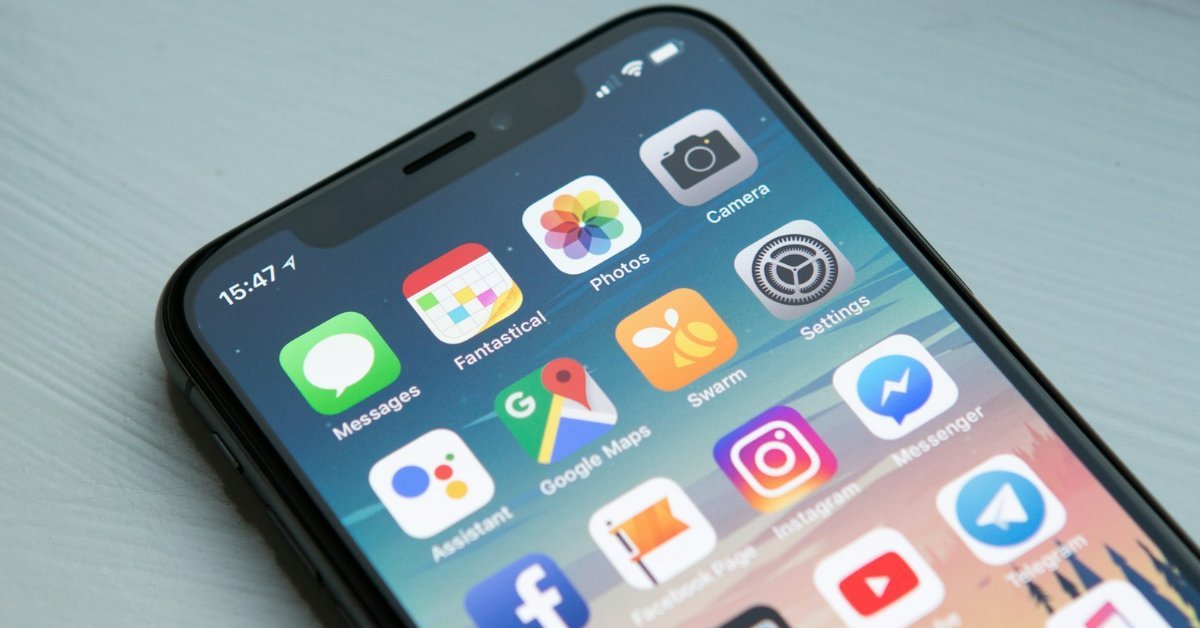
With more than 8 million users, the e& UAE app (available on the App Store, Google Play, and Huawei AppGallery) is the most detailed option if you want more than a one-line balance figure. Log in with your mobile number and OTP, or with UAE PASS, and the dashboard breaks down main balance, data usage by type, remaining call minutes, SMS balance, and for postpaid lines, a full bill breakdown. It’s also where Quick Pay and recharge live, so it doubles as your top-up tool the moment you see the balance is low.
SMS Balance Check
If you’d rather not open an app or remember a USSD sequence, SMS shortcodes work as an alternative on most lines:
- Postpaid: text BAL to 170 for your bill amount and due date, or DATA to 1010 for data usage specifically.
- Prepaid: text BC to 1012 for your current credit balance.
Response times are usually near-instant, though during network congestion (major public holidays are the classic example) an SMS reply can lag a minute or two behind a USSD check.
Calling Customer Service (IVR)
Dial 101 toll-free from an e&/Etisalat number, or +971 4 390 0101 from another network or from abroad. The automated voice system runs 24/7 and will walk you through a balance inquiry after you select a language, while live agents are available roughly 8am to 8pm for anything the automated menu can’t resolve.
Common Issues and How to Fix Them
- USSD code doesn’t respond. This usually points to a temporary network-side issue rather than anything wrong with your line. Try the e& app or an SMS code as a backup before assuming there’s an account problem.
- Balance shows differently in the app versus a USSD check. App balances can lag by a few minutes right after a recharge or a call; a USSD check reads the most current figure directly from the network.
- Data balance shows zero but calls still work. Data and voice/SMS credit are tracked separately on most plans. Running out of a data bundle doesn’t affect call minutes unless your plan specifically bundles them together.
- Recently switched from prepaid to postpaid or vice versa. The USSD codes differ (*121# is prepaid-specific, *140# is the postpaid bill check), so a code that worked before a plan switch may simply be the wrong one for your new plan type.
- SIM recently replaced or number ported. Give it a few hours after activation before assuming a balance-check code is broken; provisioning on the network side can lag slightly behind the SIM becoming physically active.
Keeping Your Account Secure
e& will never ask for your PIN, full Emirates ID number, or online banking details through an unsolicited SMS or call claiming to “verify your balance.” Any message with a link asking you to “confirm your balance” or “claim a bonus” outside the official e& app or website should be treated as a phishing attempt and ignored rather than tapped.
Frequently Asked Questions
Is Etisalat the same as e&?
Yes. Etisalat rebranded its consumer telecom services under the e& name; the app, most support materials, and current branding use “e& UAE,” though “Etisalat” is still recognized and used interchangeably by most residents and in some legacy references.
What’s the difference between *121# and *170#?
*121# shows your main prepaid credit balance and its validity, while *170# checks data balance specifically. Use *101# if you want data, minutes, and SMS allowances together in a single check.
Do USSD codes cost anything to use?
No, balance-check USSD codes are free on both prepaid and postpaid lines.
Can I check my balance without any internet or app?
Yes. USSD codes (*121#, *170#, *101#, *140#) and SMS shortcodes both work without a data connection, since they route through the standard cellular network rather than the internet.
Final Word
Between USSD codes, the e& app, SMS, and the 101 support line, there’s a balance-check method that works in almost any situation, whether your data has completely run out or you just want a quick number before topping up. Saving *121# or *140# somewhere memorable is still the fastest habit for prepaid and postpaid users respectively.
If you also manage a prepaid transport card, our guide on checking a Nol card balance in Dubai covers the equivalent process for RTA’s transit system, and for salary-related balance checks, see our FAB balance check guide.